Are you looking for an image editing program with more features than any built-in Windows apps? Something between Microsoft Paint and Adobe Photoshop? If so, you should take a look at Paint.NET.
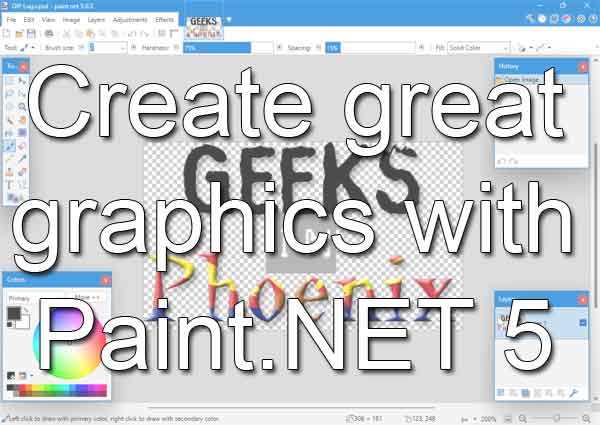
Having a program that can create professional-looking graphics is essential, and not having to pay an excessive amount for one is critical. You get the best of both worlds with Paint.NET 5. And depending on the version, Paint.NET can be free (more on this later).
Paint.NET is a versatile and user-friendly image editing program that can help beginners and professionals alike create stunning graphics. Some of the types of graphics you can make include logos, social media graphics, website banners, and more.
Now Paint.NET was initially meant to be a replacement for Microsoft Paint that is included with Windows, but it developed into a completely separate project. Paint.NET has a simple, easy-to-use interface that has an easy learning curve.
Paint.NET features rival Adobe Photoshop's features, including support for layers, history, plugins, and multiple file formats. Like Photoshop, Paint.NET has included special effects like blurring, shaping, distortion, noise, and red-eye removal.
I have written about Paint.NET before, and it keeps improving. With this version, there are some really great new features. They include:
- Support for Windows Ink, including pressure sensitivity for brush tools
- A graphics section for configuring GPU and hardware acceleration settings
- A completely brand new plugin system that supports both CPU and GPU effect
- Multiple new and revised Effects and various changes to the user interface
Now the system requirements have changed. Paint.NET 5 is currently only 64-bit and will only run on Windows 10, Windows 11, Windows Server 2019, and Windows Server 2022. And there are two (2) different options for downloading Paint.NET.
The first option for downloading Paint.NET is free from the developer's website or the Microsoft Store for a fee. The only difference I have found is that the paid version gets updated automatically, but you must manually update the free version. For more information on Paint.NET and to download the free version, follow the links below.
Paint.NET 5
Download Paint.NET 5 (free version)
f904b14a-12c2-4976-a45a-0daf732daf84|1|5.0|96d5b379-7e1d-4dac-a6ba-1e50db561b04